Upload a Playlist
Enter your ChannelMate Device MAC, name the device and playlist, choose URL, File, or X-stream, then reload the playlist in the app.
Choose a short guide for playlist setup, installation, or everyday features.
Enter your ChannelMate Device MAC, name the device and playlist, choose URL, File, or X-stream, then reload the playlist in the app.
See how to find and install ChannelMate directly from the Google Play Store.
Use the Downloader app and code 1810487 to sideload ChannelMate on Amazon Fire TV.
Learn how to easily filter and organize your groups and channels inside ChannelMate.
Your browser
URLs, M3U, credentials, PIN
Ciphertext
Unreadable encrypted data
ChannelMate server
No decryption key
For encrypted uploads, playlist URLs, uploaded M3U files, Xtream credentials, EPG URLs and PINs are encrypted in your browser before they reach our server. The server receives only unreadable ciphertext. We do not hold the private key, so we cannot decrypt, view or reuse your playlist. Only the matching ChannelMate app installation can unlock it. The encrypted assignment stays available for Reload until replaced or deleted; delivery and 24 hours are not deletion deadlines.
Older-app compatibility uploads are stored in readable form and are excluded from this encryption promise. If a compatibility warning appears, upgrade the app before uploading.
Explore ChannelMate features in detail — including playlist management, live TV browsing, multiscreen mode, and DVR recording.
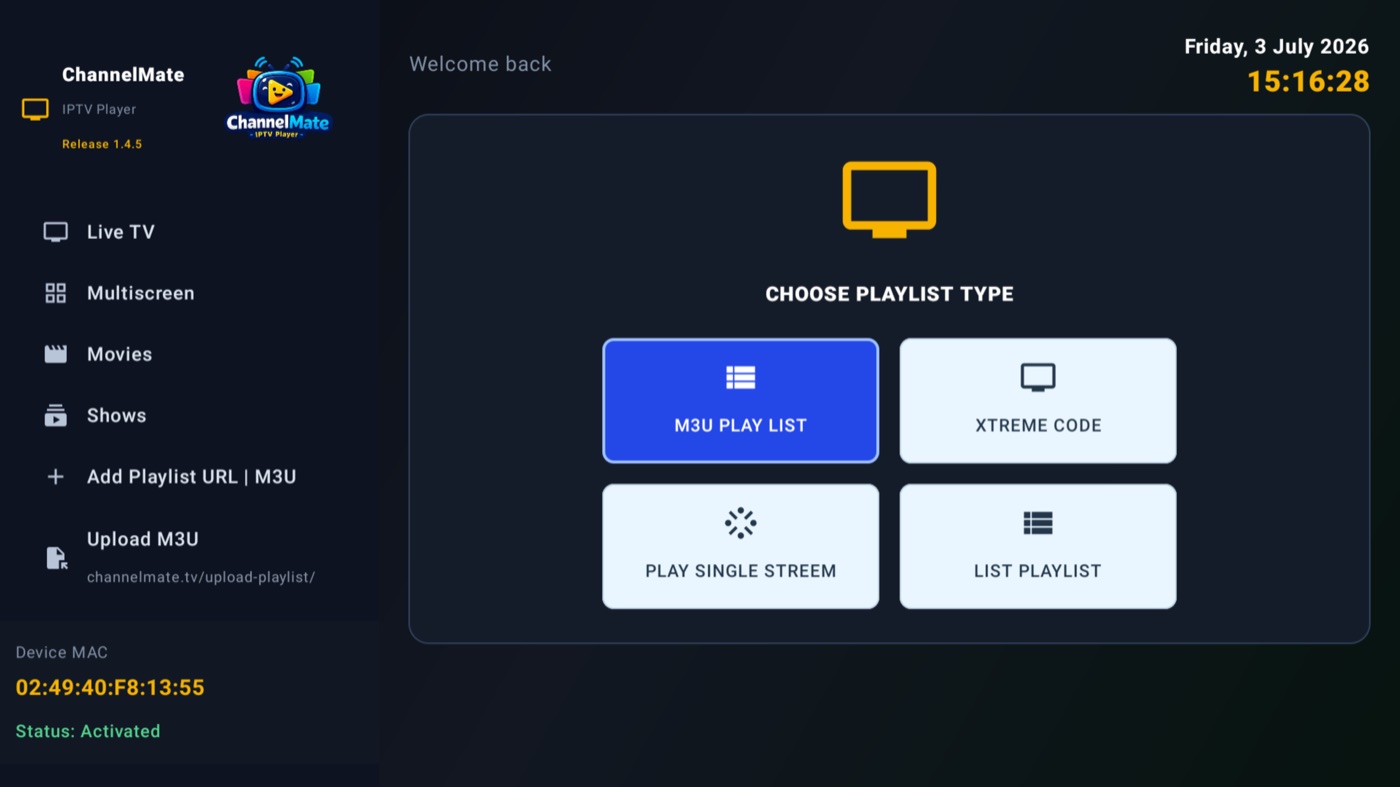
Load an M3U playlist, Xtream Code, a single stream, or a shared list — everything shows up on one Home dashboard with channel, movie and show counts and per-group management.
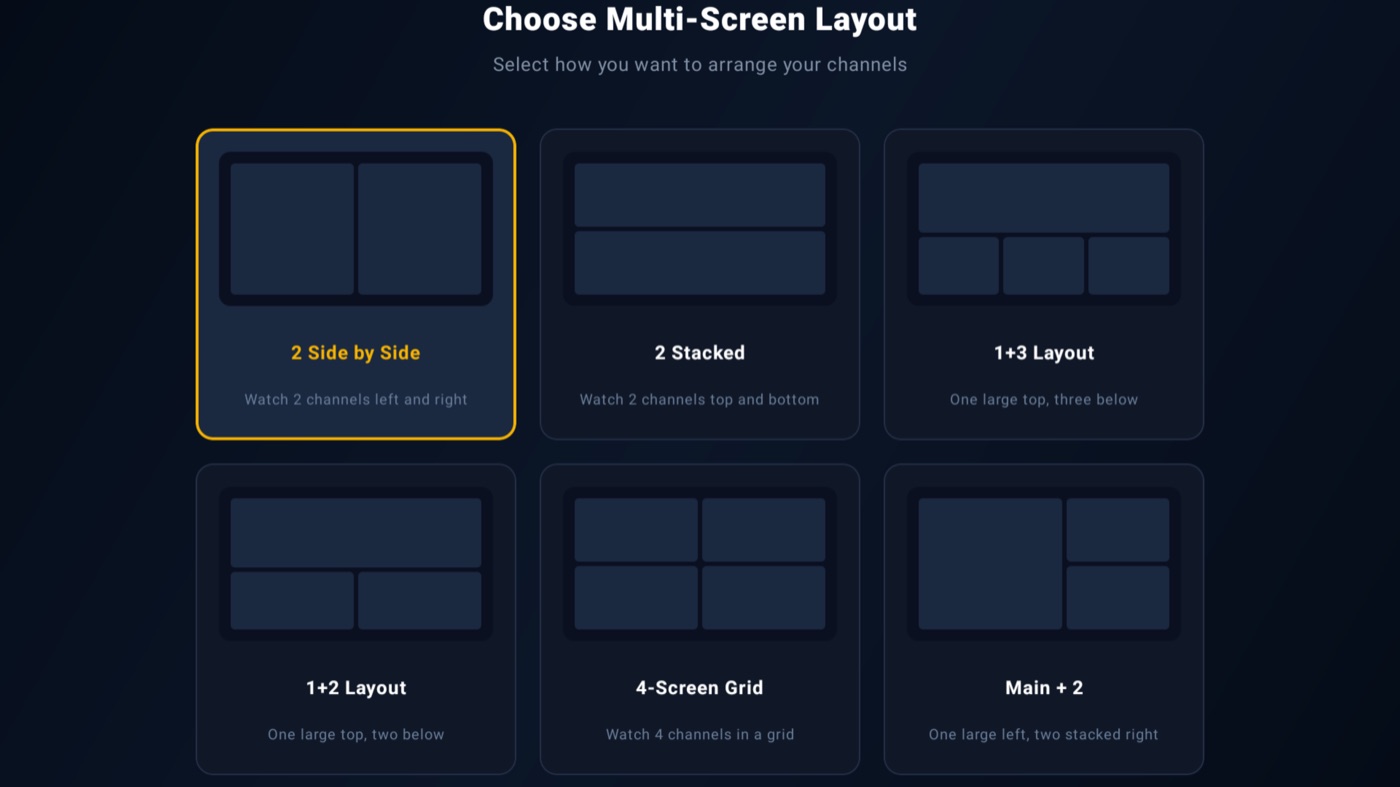
Watch several channels at once — pick from six layouts, from simple side-by-side to a full 4-screen grid. Perfect for catching two matches simultaneously.