Upload a Playlist
Enter your ChannelMate Device MAC, name the device and playlist, choose URL, File, or X-stream, then reload the playlist in the app.
Elige una guía breve para configurar listas, instalar la app o usar sus funciones.
Enter your ChannelMate Device MAC, name the device and playlist, choose URL, File, or X-stream, then reload the playlist in the app.
See how to find and install ChannelMate directly from the Google Play Store.
Use the Downloader app and code 1810487 to sideload ChannelMate on Amazon Fire TV.
Learn how to easily filter and organize your groups and channels inside ChannelMate.
Tu navegador
URL, M3U, credenciales, PIN
Datos cifrados
Datos cifrados ilegibles
Servidor de ChannelMate
Sin clave de descifrado
En los envíos cifrados, las URL de listas, archivos M3U, credenciales Xtream, URL EPG y PIN se cifran en tu navegador antes de llegar al servidor. Este solo recibe datos cifrados ilegibles. No tenemos la clave privada, por lo que no podemos descifrar, ver ni reutilizar tu lista. Solo la instalación correspondiente de ChannelMate puede descifrarla. La configuración sigue disponible para Reload hasta que se sustituya o elimine, sin borrado tras la entrega o a las 24 horas.
Los envíos de compatibilidad para versiones antiguas se almacenan de forma legible y quedan excluidos de esta garantía de cifrado. Si aparece un aviso, actualiza la aplicación antes de subir datos.
Explore ChannelMate features in detail — including playlist management, live TV browsing, multiscreen mode, and DVR recording.
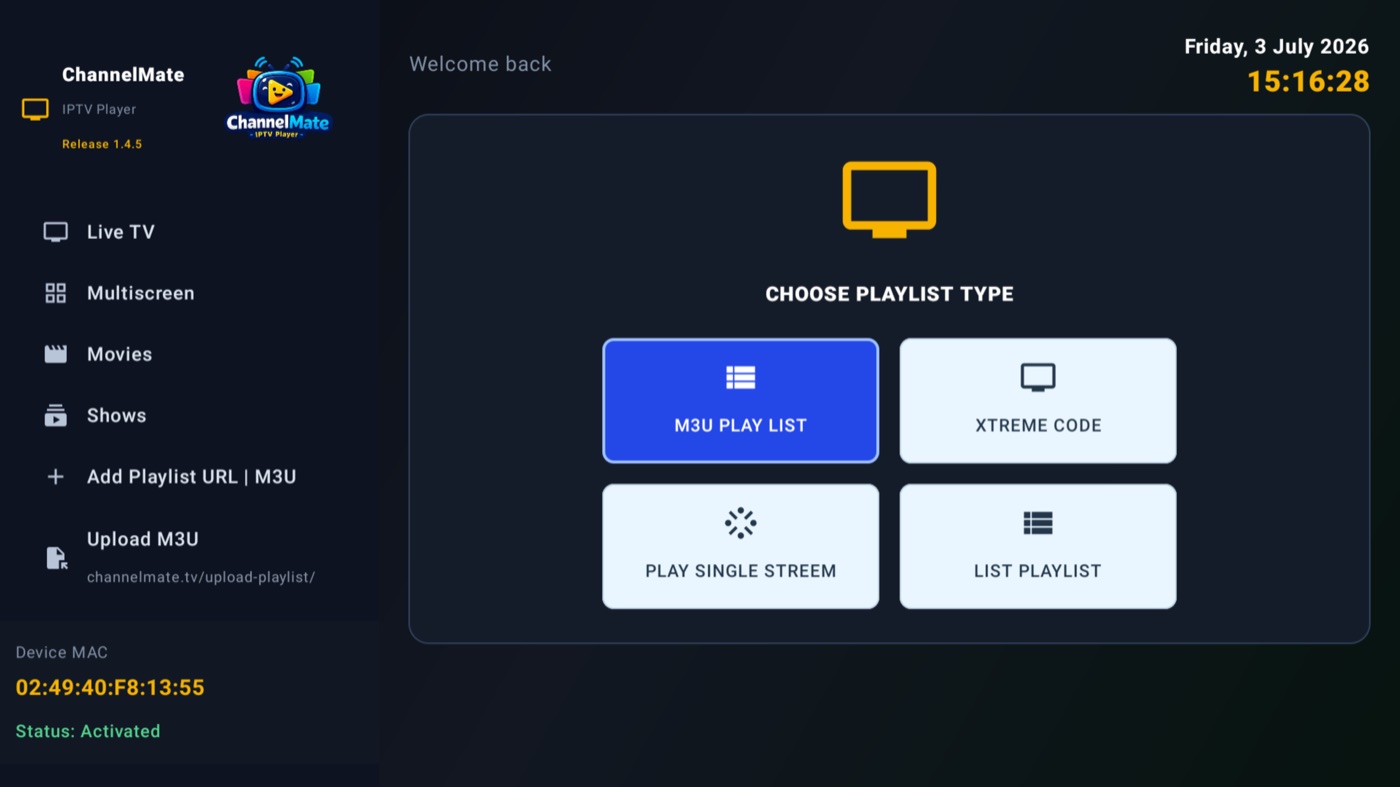
Load an M3U playlist, Xtream Code, a single stream, or a shared list — everything shows up on one Home dashboard with channel, movie and show counts and per-group management.
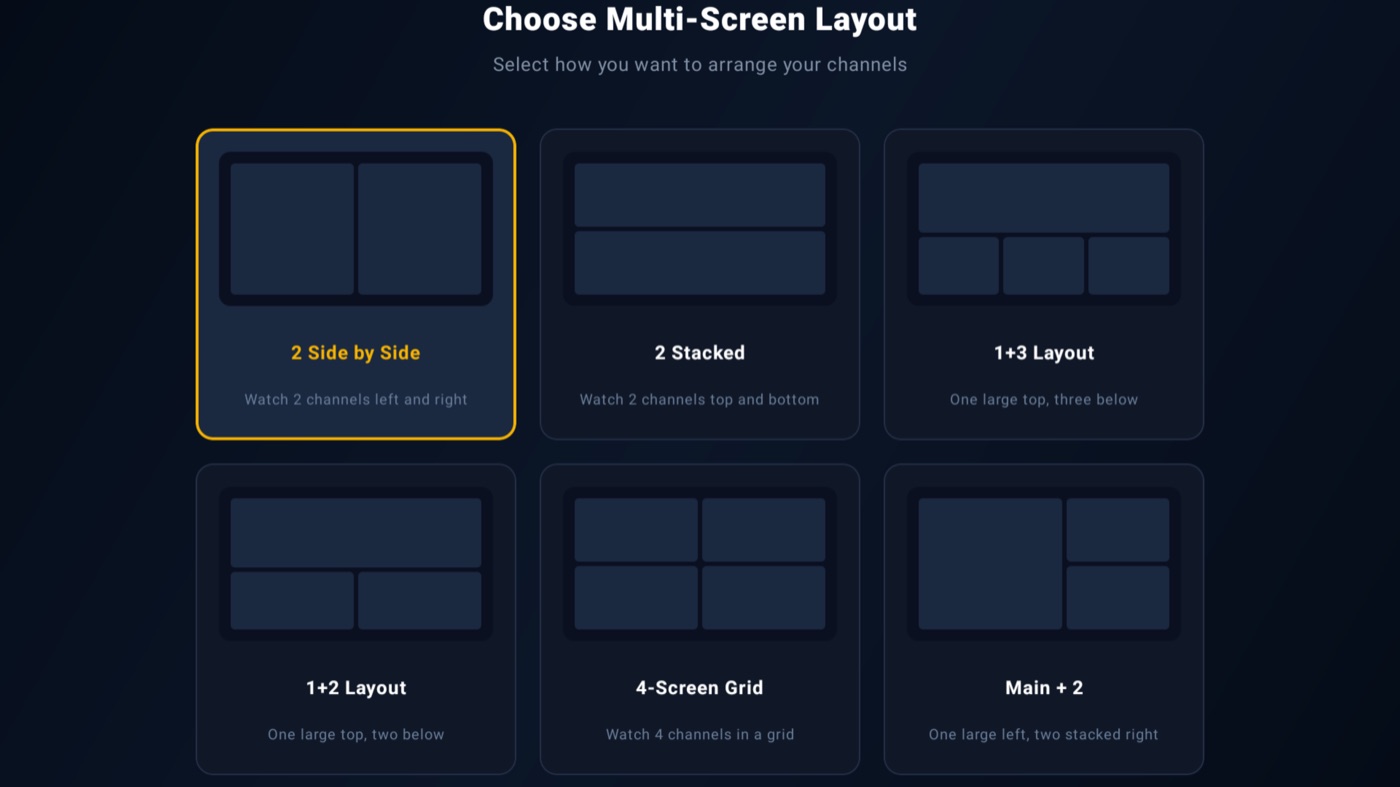
Watch several channels at once — pick from six layouts, from simple side-by-side to a full 4-screen grid. Perfect for catching two matches simultaneously.