Android TV has transformed living rooms into powerful entertainment hubs. With access to countless apps and services, it offers unparalleled flexibility. One of its most popular uses is for IPTV (Internet Protocol Television), a modern way to stream television content over the internet.
However, unlocking the full potential of your IPTV service doesn't just depend on your subscription. The most critical component is the software you use to play the content: the IPTV player. Choosing the right player can be the difference between a frustrating, buffer-filled evening and a seamless, high-definition viewing experience.
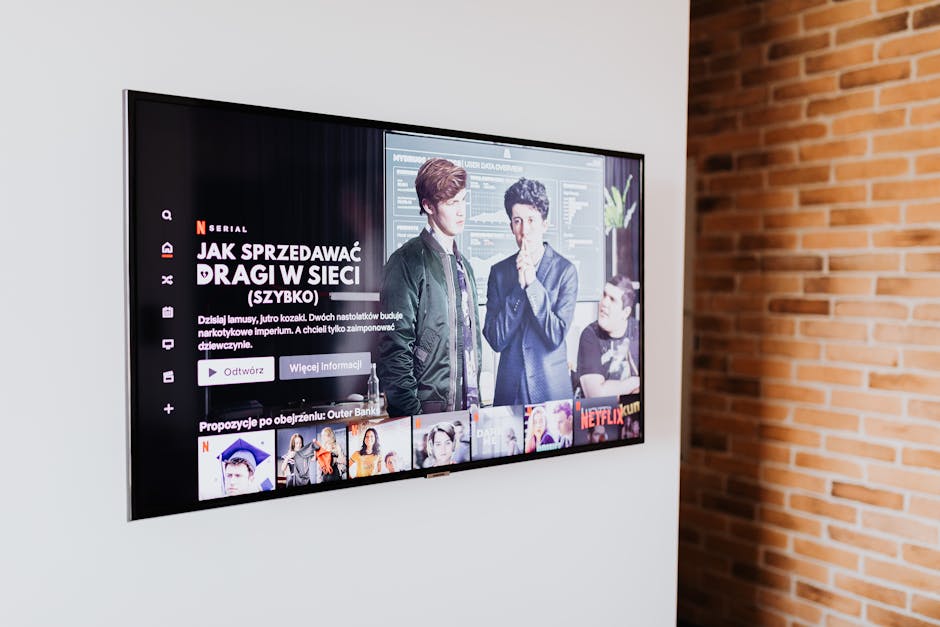
This guide will walk you through the essential features every great IPTV player for Android TV should have, helping you make an informed decision. We'll also explain how a dedicated application like ChannelMate is designed to meet and exceed these standards.
A Quick but Important Disclaimer: IPTV players like ChannelMate are media playback tools. They do not provide any TV channels, VOD content, subscriptions, or playlists. To use them, you must provide your own content from a legally authorized IPTV service provider. We do not endorse or support access to copyrighted material without permission.
Why Your Choice of IPTV Player Matters So Much

Think of an IPTV player as the engine of your car. You might have a premium fuel source (your IPTV subscription), but without a high-performance engine, your ride will be clunky and unreliable. A subpar IPTV player on your Android TV can lead to a host of problems:
* Constant Buffering: The player struggles to manage the data stream, causing frequent pauses.
* Poor User Interface (UI): Menus are difficult to navigate with a TV remote, making it a chore to find your favorite channel.
* Limited Format Support: The app fails to load your M3U playlist or recognize your provider's format.
* No EPG (Electronic Program Guide): You're left guessing what's currently on and what's coming up next.
* Instability and Crashes: The app freezes or closes unexpectedly, interrupting your viewing.
Investing a few minutes to choose a quality player will save you hours of frustration down the line. It ensures that you get the best possible experience from the IPTV subscription you're already paying for.
The Must-Have Features in an IPTV Player for Android TV
When evaluating an IPTV player, don't just download the first one you see. Look for a specific set of features that are crucial for a smooth and enjoyable experience on the big screen.
1. An Intuitive, Remote-Friendly User Interface (UI)
This is arguably the most important feature for an Android TV app. Unlike a phone or tablet, you'll be navigating from your couch with a remote control. A great IPTV player should have:
* Clean, Big-Screen Design: Text should be large and easy to read from a distance. Icons and menus should be clear and uncluttered.
* D-Pad Navigation: The app must be fully navigable using the directional pad (up, down, left, right) and the 'OK'/'Enter' button on your remote.
* Logical Layout: Channels, VOD, and series should be organized into sensible categories. Accessing settings, favorites, and search should be straightforward.
* Fast and Responsive: The interface should react instantly to your button presses without any lag or delay.
An app designed for a touchscreen simply won't work well on a TV. A dedicated Android TV player is built from the ground up for a 10-foot viewing experience.
2. Comprehensive Playlist and Format Support
Your IPTV provider will give you access credentials in a specific format. A versatile player needs to support the most common ones to ensure compatibility.
* M3U/M3U8 Playlist URL: This is the most common format, a simple text file that contains links to the streams. The player should be able to load and parse these URLs seamlessly.
* Xtream Codes API: A more advanced and user-friendly method. Instead of a long URL, you just need to enter a username, password, and server URL. The player then handles the rest, automatically fetching channels, VOD, and EPG data. This is often the most reliable method.
A good player will give you the option to add multiple playlists, allowing you to switch between different providers if you have more than one service.
3. Robust EPG (Electronic Program Guide) Integration
The EPG is what transforms your IPTV stream from a simple list of channels into a true television experience. It tells you what's on now and what's scheduled for the future. Key EPG features include:
* XMLTV Format Support: This is the industry standard for EPG data. Your player must be able to parse EPG URLs or files in this format.
* Automatic EPG Assignment: A smart player, especially one using the Xtream Codes API, will automatically match the EPG data to the correct channels, saving you manual setup.
* Modern Grid Layout: The guide should be displayed in a familiar grid format, similar to traditional cable or satellite TV guides, making it easy to browse through time and channels.
* Fast Loading and Caching: The EPG data can be large. A well-optimized player will download it quickly and cache it so you don't have to wait for it to load every time you open the guide.
Without a functional EPG, you're flying blind. It's a non-negotiable feature for any serious viewer.
4. High Performance and Unshakeable Stability
Performance is what happens behind the scenes. A powerful playback engine is essential for a smooth stream.
* Efficient Video Decoding: The player should leverage your Android TV's hardware to decode video streams efficiently, supporting common codecs like H.264 and H.265 (HEVC) without straining the system.
* Minimal Buffering: Advanced buffer management helps the player stay ahead of the stream, minimizing pauses even if your internet connection fluctuates slightly.
* Quick Channel Zapping: Switching between channels should be fast, ideally taking only a second or two.
* Low Resource Usage: The app shouldn't slow down your entire Android TV box. It should run smoothly in the background and not consume excessive memory or CPU power.
Stability means the app doesn't crash. A reliable player is one you can set and forget, knowing it will work every time you turn on your TV.
5. Powerful Customization and Control
Every user has different preferences. A great IPTV player gives you the power to tailor the experience to your liking.
* Favorites Management: Easily create and organize a list of your most-watched channels for quick access.
* Parental Controls: A must-have for families. The ability to lock specific channels or content categories with a PIN provides peace of mind.
* Audio and Subtitle Track Selection: Easily switch between different audio languages or enable subtitles when available on a stream.
* Group and Channel Management: The ability to hide or reorder channel groups and individual channels lets you create a personalized lineup.
6. Advanced Playback Features
Beyond the basics, premium features can significantly enhance your viewing experience.
* Catch-up / TV Archive: For supported providers, this feature allows you to watch programs that have already aired. It's like having a built-in DVR for every channel.
* VOD and Series Support: A good player will present your provider's Video on Demand (VOD) and TV series content with posters, descriptions, and season/episode organization, making it feel like a dedicated streaming service.
* Multi-Screen and Picture-in-Picture (PiP): The ability to watch multiple streams at once or keep a small window playing while you browse the guide is a fantastic feature for sports fans.
* Search Functionality: A powerful search tool to quickly find a specific channel, movie, or TV show across your entire playlist is a huge time-saver.
Meet ChannelMate: The Player Built for Your Android TV
Finding a player that ticks all these boxes can be challenging. That's why we developed ChannelMate. It was designed from the ground up to be the ultimate IPTV player for Android TV, focusing on the features that matter most.
* Elegant, Fast UI: ChannelMate's interface is clean, modern, and built for your remote. Navigation is intuitive and lightning-fast.
* Universal Compatibility: With full support for both M3U Playlists and the Xtream Codes API, ChannelMate works seamlessly with the vast majority of IPTV providers.
* Superior EPG Experience: Our beautiful and fast-loading EPG grid makes browsing channels a pleasure.
* Rock-Solid Performance: The advanced playback engine is optimized for Android TV, ensuring stable, buffer-free streaming and quick channel changes.
* Full Customization: From managing favorites and parental controls to a stunning interface, ChannelMate puts you in control.
Simple Setup Guide: Get Started in Minutes
Setting up your legally obtained IPTV subscription in a player like ChannelMate on your Android TV is incredibly simple.
* For M3U: Carefully type in a name for your playlist and the M3U URL provided by your service.
* For Xtream Codes: Enter a playlist name, your username, your password, and the server URL from your provider.
That's it! You're now ready to enjoy your IPTV content with a superior viewing experience.
Frequently Asked Questions (FAQ)
Q1: What is the difference between an IPTV provider and an IPTV player?
This is a crucial distinction. An IPTV provider is the company you subscribe to; they supply the actual TV channels and video content streams. An IPTV player, like ChannelMate, is the software application you install on your device to watch that content. The player does not provide any content itself.
Q2: Are IPTV players legal?
Yes, IPTV players are 100% legal. They are media playback tools, just like VLC Player or Windows Media Player. The legality depends entirely on the source of the content the user adds to the player. Always ensure you are using a legitimate IPTV provider that has the proper rights to distribute the content.
Q3: Why is my stream buffering? Can the player fix it?
Buffering can have several causes. It might be a slow internet connection, an overloaded server from your IPTV provider, or an inefficient player. A high-performance player like ChannelMate can help by having an optimized buffer system, but it cannot solve issues related to your internet speed or problems on your provider's end.
Q4: How do I find my M3U URL or Xtream Codes credentials?
These details are provided by your IPTV service provider, usually in a welcome email or on your account dashboard on their website. If you cannot find them, you must contact your provider's customer support for assistance.
Q5: Can I use multiple IPTV subscriptions in ChannelMate?
Yes. ChannelMate allows you to add multiple playlists from different providers. You can easily switch between them from the main menu, keeping all your content organized in one place.
The Final Word: Elevate Your Entertainment
Your Android TV is a powerful device, and your IPTV service provides the content. Don't let a subpar player be the weak link in your entertainment chain. By focusing on the key features—a great user interface, broad format support, a functional EPG, and stable performance—you can guarantee yourself the best possible viewing experience.
Ready to see what a premium IPTV player can do? Give your content the home it deserves.
Experience the difference for yourself. Download ChannelMate for your Android TV today!
Ready to use ChannelMate with your own playlist?
Download the player, activate your app-generated MAC address, then upload only playlist sources you are legally authorised to use.